How to Boost Shop Performance? 15 Methods for More Revenue
15 proven methods to boost your shop performance: from load time to checkout to personalization. Directly actionable, measurable, sustainable.

Till Täubrich
Shopify Development & Migration
July 21, 2026
16 min read

The most effective methods for boosting shop performance combine technical load times, user guidance and checkout processes into a cohesive system. If you only turn one screw, you’re leaving potential on the table.
The following 15 levers cover all relevant levels, from server speed to audience targeting, and can be implemented directly.
- • Load time under 3 seconds Use Core Web Vitals as a measurement baseline, activate WebP images and lazy loading.
- • Simplify checkout Guest checkout and express payment methods like Shop Pay measurably reduce abandonment rates.
- • Recover cart abandoners Automated abandonment emails recover 5 to 15% of bounced buyers.
- • Optimize product pages Real reviews, clear CTAs and benefit communication instead of feature lists.
- • Performance as a system Technology, UX and checkout must be improved together, not in isolation.
How Do You Really Improve the User Experience in Your Shop?
Clear user guidance is the most direct path to more completed purchases.
If you overload your shop with too many category levels, unclear menus or distracting banners, you lose visitors before they even add a product to their cart.
Specifically, this means:
- Keep navigation flat: Maximum two to three clicks from entry to product.
- Think mobile first: The buy button must be immediately visible on smartphones, without scrolling.
- Place trust signals strategically: Return policy, delivery time and secure payment belong directly next to the buy button, not in the footer.
- Sticky CTA button: On mobile devices, the “Add to Cart” button should remain visible when scrolling.
Remove all elements from the checkout area that don’t directly contribute to the purchase. Every additional menu, every advertising banner and every external link is a potential distraction that prevents completion.
Those who systematically address the technical conversion drivers quickly notice: UX and technology are not separate disciplines. They depend on each other.
In the migrations we run, the fastest UX wins usually come before we touch anything fancy: a flatter menu and a sticky mobile buy button often move completions more than a redesign does. One caveat from experience, don’t strip trust signals to declutter the checkout, keep return policy and payment methods right next to the buy button. We validate every navigation change on a staging store first so we can measure the effect in isolation.
How Do You Optimally Align Product Search and Search Intent?
The internal search function is one of the most frequently underestimated conversion drivers.
Visitors who use the search have a clear purchase intent. If the results don’t match, they bounce.
- Activate autocomplete: Suggestions appear while typing and guide visitors to their goal faster.
- Build in error tolerance: Typos like “sneekers” instead of “sneakers” must not lead to empty result pages.
- Weight search results by relevance: Bestsellers and products with high margins should appear higher up.
- Place mobile search bar prominently: On smartphones, the search must be immediately accessible, ideally anchored permanently in the header.
- Store synonyms and alternative terms: Someone searching for “sneakers” means the same as someone entering “athletic shoes.”
Clean product data is the prerequisite for search systems to deliver correct results at all.
Inconsistent titles, missing attributes and duplicate categories lead to weak search function conversion.
How Do You Increase Conversion Rate and Make Checkout Leaner?
Checkout is the most critical point in the entire purchase process.
Every additional form field, every mandatory registration and every surprising shipping cost announcement costs completions.
- Activate guest checkout: In Shopify under Settings > Checkout > “Accounts are optional” takes less than a minute.
- Offer express payment methods: Shop Pay, Apple Pay and Google Pay significantly reduce input work on smartphones.
- Show shipping costs early: At the latest in the cart, not in the last checkout step.
- Shorten forms: Name, email address and delivery address are sufficient for most orders.
Statistic: A load time of more than 3 seconds costs 32% of visitors before they even see a product. The same principle applies to every additional friction point in checkout.
Cart abandonment emails typically recover 5 to 15% of abandoners. In Shopify, this can be set up for free under Marketing > Automations.
Which Services Around the Order Really Count?
Transparency in shipping and returns is not a nice to have.
In Germany, buyers expect clear statements about this before they order.
- Delivery time information on the product page: “Delivery in 2 to 3 business days” directly under the buy button reduces uncertainty.
- Free shipping above threshold: Setting the limit just above the current average order value motivates additional purchases.
- Make return conditions visible: A brief note like “30 days free returns” directly next to the price removes purchase barriers.
- Activate cart abandonment emails: This step is one of the fastest measures with measurable revenue contribution.
If you only show shipping costs in the last checkout step, you risk abandonment exactly when the purchase is almost complete. This is one of the most common and avoidable mistakes in e-commerce.
How Do You Design Product Presentations and Descriptions Customer Friendly?
Product pages sell when they communicate benefits instead of just listing features.
“Waterproof to 50 meters” is a feature. “You can swim with it without taking off your device” is a benefit.
- Benefit communication instead of feature lists: Translate every feature into a concrete advantage for the buyer.
- Integrate photo reviews: Authentic images from real customers increase trust more than professional product photos alone.
- Place customer reviews directly under the buy button: Tools like Judge.me or Loox enable this easily in Shopify.
- Clear call to action: The CTA button must stand out in color and be clearly labeled.
Set up an automated email flow that asks buyers for a review 14 days after delivery. Authentic reviews that come in regularly act as permanent social proof and measurably improve conversion on product pages.
Codenexa has compiled a practical guide to product page optimization for small and medium shops.
How Do You Really Reach Your Target Audience?
If you address all visitors the same way, you don’t really address anyone.
Target audience appropriate communication begins with knowing your own buyers.
- Persona based language: A shop for professional athletes communicates differently than a shop for casual athletes, even if the products are similar.
- Segmentation in email marketing: Segment buyers by product category, purchase frequency or order value and send different messages.
- Personalized recommendations: “Customers also bought” and “Goes with this” on product pages increase average order value.
- Adjust language style: Formal or informal address, technical depth or beginner language. This decision must be consistently maintained throughout the entire shop.
Shops that use targeted upselling generate more revenue from existing visitors without having to buy additional traffic.
The rule here: The value of an upsell offer should not exceed about 25% of the original product price, so the purchase doesn’t stall.

How Do You Build Security and Trust in Your Shop?
Purchase uncertainty is one of the most common reasons for abandonment, especially among first time buyers.
Security signals must be visible where purchase decisions are made.
- Keep SSL certificate active: The lock symbol in the address bar is a basic requirement for many buyers.
- Communicate GDPR compliance: A brief note on data security in checkout builds trust.
- Place security badges: Trusted Shops seal, SSL badge or DHL logo directly next to the buy button reduce purchase barriers.
- Show payment methods transparently: Cover PayPal, credit card, Klarna and Apple Pay. Depending on the target audience, 15 to 30% buy via PayPal.
Trust signals don’t belong in the footer. They must be visible where the buyer makes the decision.
Why Is Display on Different Devices Crucial?
Over 70% of e-commerce visitors come via smartphone.
A shop that looks good on desktop but loads slowly or is poorly usable on mobile devices loses the majority of its visitors.
- Check responsive design: Every page must be displayed correctly on smartphones, tablets and desktop screens.
- Touch friendly navigation: Buttons and links must be large enough to be tapped accurately with a finger.
- Measure load times on mobile devices: Google PageSpeed Insights provides separate values for mobile and desktop.
- Test on real devices: Emulators in the browser don’t replace testing on a real iPhone or Android device.
Your shop should be fully usable on mobile in under 2.5 seconds, the threshold Google defines as a good Largest Contentful Paint. This is not a luxury, but the expectation of your visitors.
How Do You Significantly Increase Your Shop’s Load Speed?
Load time is money.
A delay from 1 to 3 seconds reduces conversion probability by 32%. Google evaluates speed via Core Web Vitals: LCP (Largest Contentful Paint): measures how fast the largest visible content loads. INP (Interaction to Next Paint): evaluates response time to user interactions. CLS (Cumulative Layout Shift): captures unexpected layout shifts during loading. TTFB (Time to First Byte): shows how fast the server sends the first response.
- Upload images as WebP: WebP and AVIF offer a file size reduction of up to 50% compared to JPEG at the same quality.
- Activate lazy loading: Images below the visible area only load when the user scrolls there.
- Set up caching: Full page caching with Redis or Varnish delivers pre-rendered pages instead of querying the database anew with each call.
- Audit plugins: Every active app loads its own JavaScript. Reducing from 12 apps to fewer can significantly improve load time.
Load tracking scripts like Facebook Pixel or Google Tag Manager asynchronously with delay, not directly in the theme code. Render blocking by external scripts is responsible for more than half of total load time in many shops.
How Do You Use Server Resources and Database Queries Efficiently?
Backend optimizations are less visible than a new design, but often have the greatest impact on overall performance.
Many shops drag along plugins for years that no longer contribute to revenue.
- Plugin audit in staging environment: Every plugin that executes complex database queries with every page call without caching the results slows down the entire shop.
- Completely delete unused plugins: Deactivating is not enough. Inactive plugins can still load code and occupy resources.
- Check PHP version: PHP 8.2 or higher is the foundation for fast server response times.
- Cache database queries: Frequently queried data like product prices or category lists should be cached instead of being recalculated with every call.
If you ask your hosting provider about Redis or Varnish, you should only do so after images and plugins have already been cleaned up. Otherwise, support will point to your own unoptimized content.
Why Is Performance Improvement a System, Not a Single Project?
Treating performance, navigation, product data and checkout as separate construction sites is the most common mistake in shop optimization.
Technology, UX and data quality only work together.
A shop can load lightning fast and still convert poorly if product data is inconsistent or checkout has too many fields. Conversely, the best product page is useless if the shop takes 5 seconds to load on smartphones.
Work in three waves: First stabilize the technical foundation (Core Web Vitals, plugin audit, image optimization), then improve user guidance (navigation, filters, search), and only then refine checkout. If you tackle all three levels simultaneously, you lose track of which measure had which effect.
For measurement, a small, clear set of metrics is recommended: LCP and INP at template level, cart rate, checkout abandonment rate per step and revenue per device. If you check these values monthly, you immediately recognize setbacks from new plugins or updates.
How Does Multichannel Integration Contribute to Shop Performance?
If you only operate your shop as an isolated channel, you’re giving away reach and data.
Multichannel: means that products, inventory and customer data are consistent across all sales channels. Linking the shop, marketplaces like Amazon or eBay, social commerce channels like Instagram and TikTok, and brick and mortar retail creates multiple touchpoints with the brand.
Buyers typically need multiple touchpoints with a brand before they buy. If you’re only present on one channel, you lose potential buyers to competitors who were visible earlier.
Practically, this means: Inventory data must be synchronized in real time so that a product that sells out on Instagram doesn’t continue to appear as available in the shop. Errors of this kind destroy trust faster than any slow load time. Platforms with an API first architecture make this synchronization considerably easier.
How Do Personalized Marketing and Recommendation Algorithms Strengthen User Loyalty?
Personalization is no longer a trend, but a basic expectation.
Visitors who see generic bestsellers on a homepage feel less addressed than those who are suggested products based on their browsing behavior.
Recommendation algorithms: evaluate purchase history, page views and the behavior of similar buyers and can noticeably increase average cart value. They work in the background and adapt product suggestions in real time to the behavior of each individual visitor.
Automated email flows that react to specific behavior, such as cart abandonment, product views without purchase or reactivation after long inactivity, work around the clock without manual intervention.
For Shopify shops, tools like Klaviyo offer these automations directly. If you treat email marketing as a pure newsletter channel, you leave the most profitable part unused. The real power lies in the automated flows that react to behavior.
How Do You Improve Logistics and Shipping Processes for More Customer Satisfaction?
Logistics is an area that many shop operators take as given.
Yet the shipping experience has a direct impact on repeat purchase rates and reviews.
Concrete measures that can be implemented quickly:
- Send tracking automatically: A tracking email directly after shipping significantly reduces support inquiries.
- Keep delivery time promises: If you promise “2 to 3 business days” and deliver in 5 days, you permanently lose trust.
- Simplify returns: A pre-filled return label in the package lowers the threshold for returns and simultaneously increases purchase willingness next time.
- Diversify shipping providers: If you only rely on one provider, you’re unable to act during outages or strikes.
Transparent shipping communication is also a conversion factor. If you already show on the product page when the package will arrive, you remove one of the most common uncertainties before purchase.
How Do Analysis, A/B Tests and Monitoring Permanently Improve Performance?
Without measurement, every optimization is guesswork.
Google Analytics 4 with activated Enhanced Ecommerce Tracking provides a funnel report from product page through cart to order. If you see at which step most visitors drop off, prioritize there first.

Heatmap tools like Hotjar or CrazyEgg show where visitors click and how far they scroll. This is especially valuable for product pages where it’s unclear whether the buy button is even seen.
A/B tests: are part of the basic equipment of every growing shop. In an A/B test, 50% of visitors see version A and 50% see version B. Only when the results are statistically significant, meaning at a significance level of about 95%, is the better variant permanently deployed. If you decide after two days, you’re not testing, you’re guessing.
For Shopify, there are specialized tools that integrate directly into the shop.
Start with a maximum of 1 to 2 measures simultaneously. If you change five things at once, you won’t know afterward what worked. Start with the step in the funnel where most visitors drop off.
Why Do Most Shops Start in the Wrong Place?
If you deal with shop optimization, you quickly land on long lists with dozens of measures.
The problem is not missing knowledge, but missing prioritization.
Most shops invest a lot of time in fine tuning product descriptions or testing new designs, while checkout still requires mandatory registration or load time on smartphones is at 6 seconds. This is like painting the facade before the foundation is in place.
What really counts: The funnel report in Google Analytics 4 shows you in a few minutes where most visitors drop off. This point is the only one that should be addressed first. Everything else is secondary, no matter how tempting the idea sounds.
There’s also an aspect missing from many guides: The platform itself is a performance factor. Shops on outdated systems structurally fight against load times and checkout restrictions that can hardly be fixed at the application level. Our Core Web Vitals shop system comparison makes this concrete: across 19 systems, the share of shops with good mobile scores spans roughly 91 percentage points from best to worst. A modern platform designed for performance solves many of these problems fundamentally, not just symptomatically.
This is not advertising for a platform change for the sake of change. But if you notice that technical optimizations are becoming increasingly complex and delivering less and less, you should honestly ask the platform question. Store2x migrates shops to Shopify and secures rankings and performance for sustainable growth.
Further Resources
- Judge.me
 Frequently Asked Questions
 How long does it take for performance optimizations to show measurable results?
Which measure has the greatest impact on conversion rate?
Can I implement performance optimization myself or do I need an agency?
How often should I check my shop's performance?
Which tools do I need for performance monitoring?
You might also like
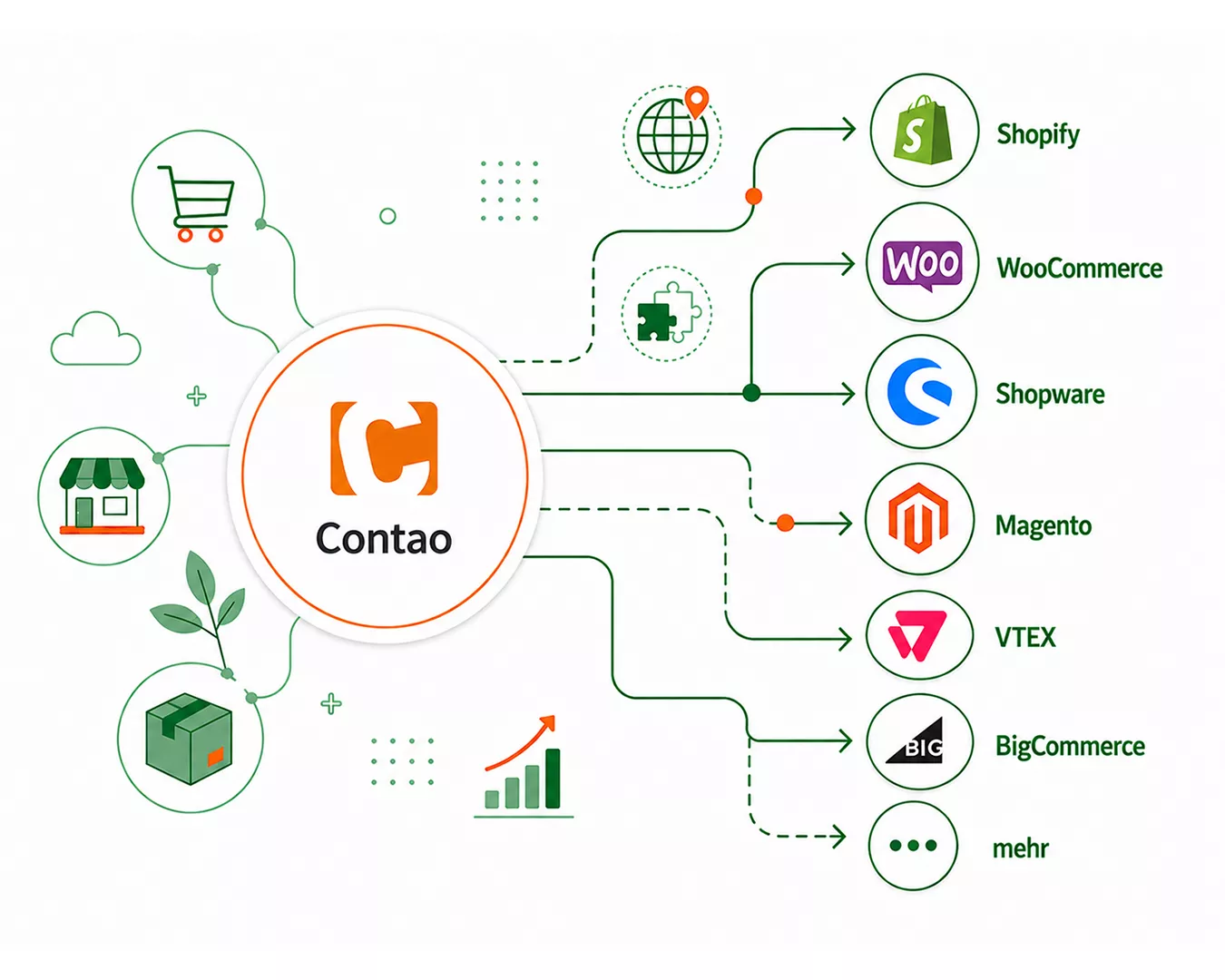
Contao Alternatives 2026: The Best Shop Systems Compared
Contao alternatives compared: full commerce depth instead of an Isotope add-on, a strong checkout and no server maintenance. Which system suits which shop.
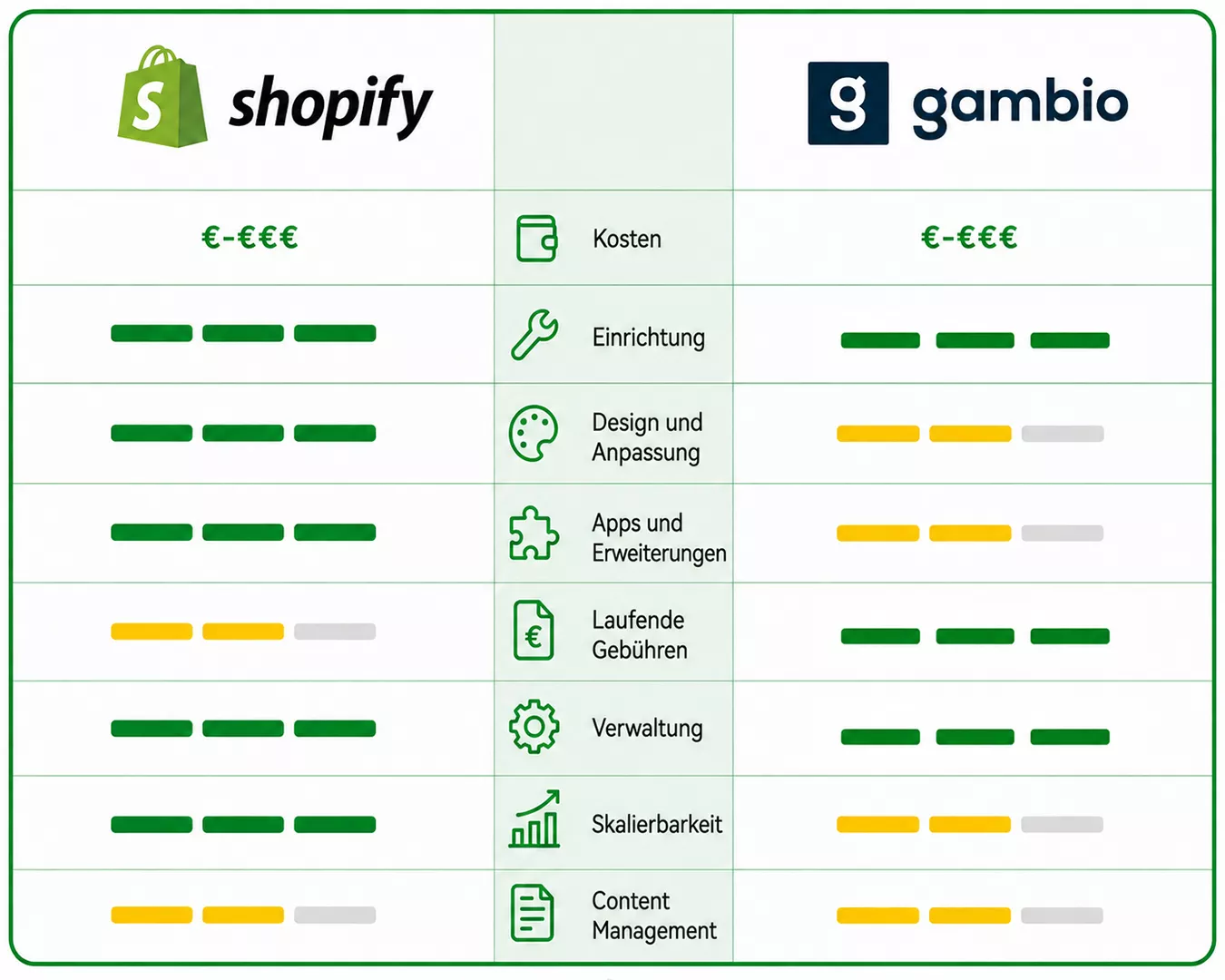
Gambio or Shopify? A Direct Comparison 2026
Gambio vs Shopify in a direct comparison: costs, maintenance, performance, features and SEO. Find out which system fits your store.
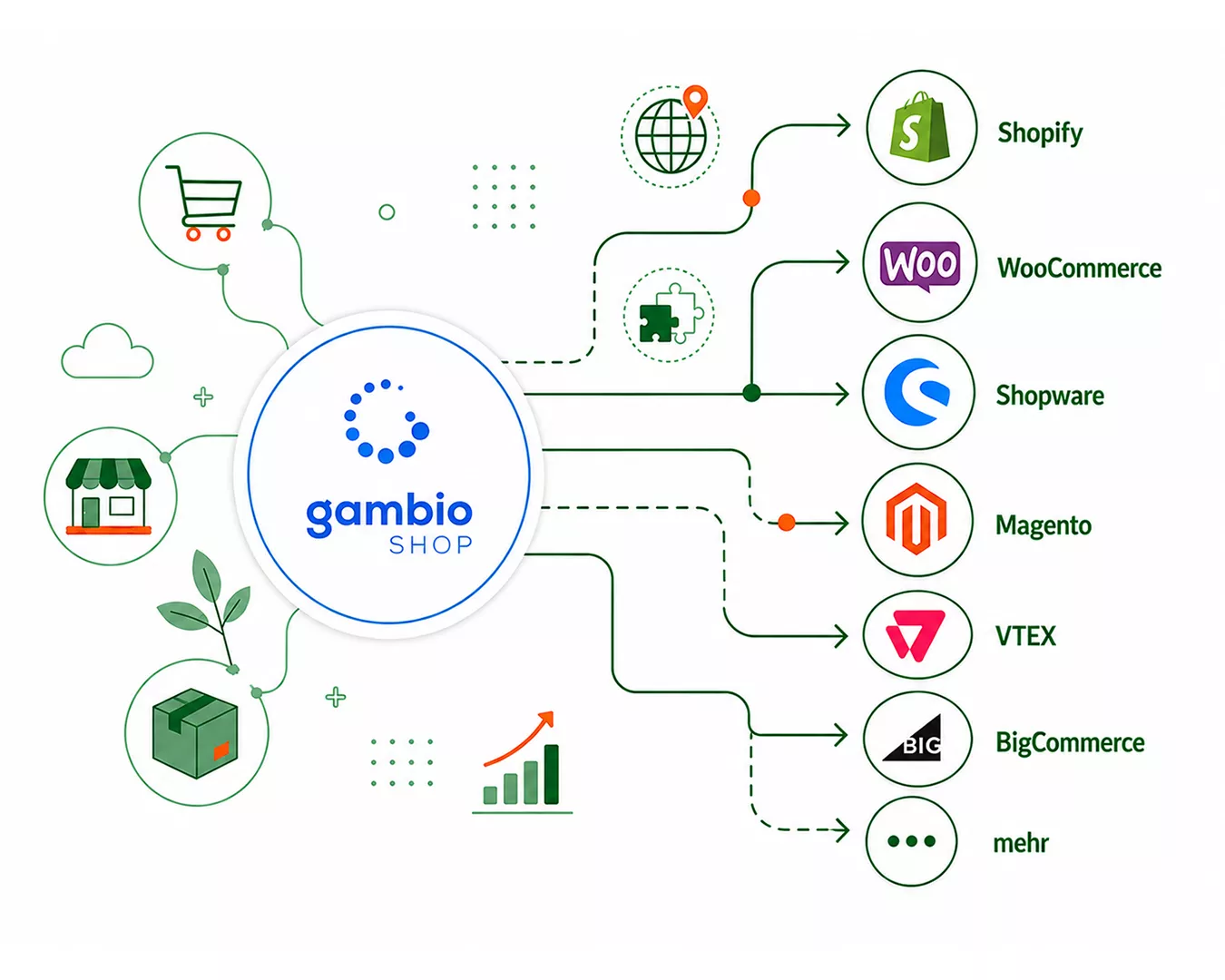
Gambio Alternatives 2026: The Shop Systems Actually Worth It
Gambio alternatives compared: no server maintenance, update stress or performance drag as you grow. Which system suits which shop.